

Somewhere in my Substack pile this spring, I came across a loud claim: that the entire datacenter buildout — the water cooling, the power contracts, the breathless headlines — is mostly theater. On the one hand, a front for covering the creation of a super powered consumer influence machine. On the other covering for the fact that big data centers are a self-perpetuating project. That they require partnering with big everything. Big real estate. Big water. Big Electricity. Big government. And very, very BIG money. Because of those factors, as with many phenomena in AI, that process went from “try this” to “too big to fail” at lightning speed.
What was of interest to me, though, was the author’s contention that anything you personally need AI to do, you could do on a box the size of a hardcover book, sitting on a shelf, for a fraction of the cost. Privately. Securely. Simply.
So I looked around and discovered that it might just be do-able.
With the three dicta in mind (Private, Secure, Simple) I went on the hunt.
First, I became scared off by “Open CLAW” approaches. My (admittedly prosumer) interpretation of these GitHub repo style projects was – and is – hacker central. I’m nothing like capable of sniffing out nefarious code on my own. I’m barely able to make sense of getting simple Linux commands to run. Not to mention, the mystery of on-or-off-line, back doors and all that spooky stuff. Private, secure and simple: not.
Then I came across the Jetson Orin Nano Developer Kit. A little inexpensive gadget, with a super nVidia chip in it that claimed to be well suited to local AI. Something that makes the best of a closed, protected system (like Apple) and a flexible place to tinker (like Linux). And was secure for the plain reason that I didn’t have to connect it to the outside world if I didn’t want to. Also even smaller than a hard cover book. And only 20-30 minutes setup.
This set of posts follows what happened when I tried to make it happen — not a demo, not a keynote, just one fellow traveler finding out what a small computer can and can’t do. The posts are techno geeky for many of us, and incontrovertible proof that I am an ignoramus to the experts, but I hope some of the details are worth seeing.
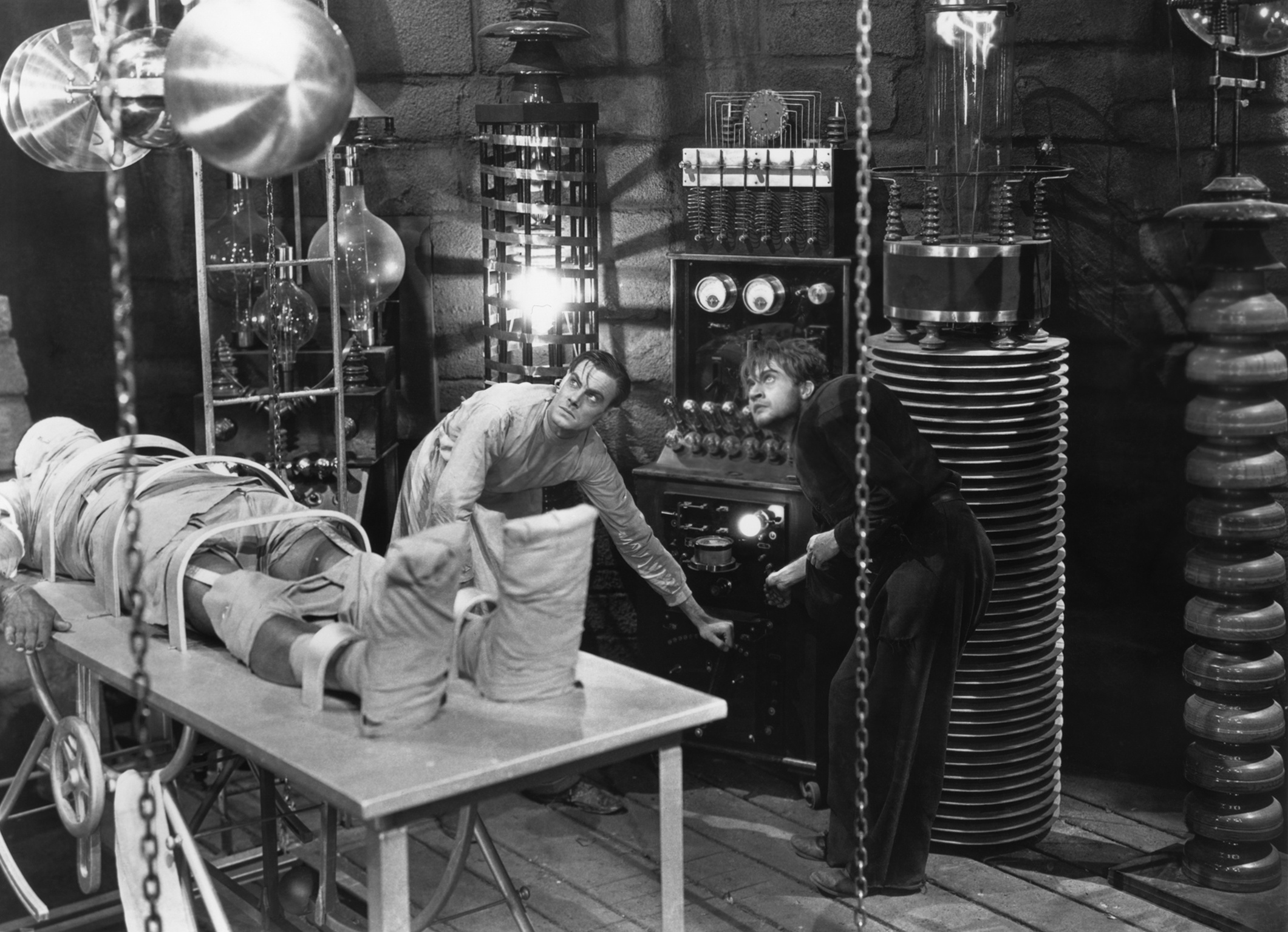
I will say I now have considerably more sympathy for Baron Frankenstein. It’s a long way from the body parts to “life!”
Hardware Setup and First Boot — The Inanimate Body
The Jetson Orin Nano Developer Kit is touted as a 20-30 minute setup.
I don’t have 20-30 years of programming knowledge. I don’t have a closet full of gadgets on ready standby. I have a laptop, a monitor, and an Apple keyboard. So when I opened the box and found no operating system, no instructions written for people like me, and peripherals that wouldn’t talk to the device, that 20-30 minute promise evaporated.
What came up instead was a command line asking for credentials I didn’t have. I dug into NVIDIA’s quick-start guide (clue: having to dig into a quick start already makes things “not quick.”) That’s when it became clear: the Jetson doesn’t ship with an OS. You have to build one yourself—flash a microSD card with JetPack, then boot from that. But, it turns out, not just any version of JetPack. The box was new, but the documentation didn’t say what version was already on the device (digging further past the Quick Start.) I had to figure that out from the CLI, with no mouse, only an Apple keyboard that turned out to be incompatible with some of the commands I needed to run.
Needed: old-school wired mouse and keyboard—the kind I’d bought at Best Buy fifteen years ago. Best Buy is 15 miles from here. So, Amazon.
Wait a day.
Amazon sent a partial box. No mouse. 15 miles to Best Buy for the mouse.
With actual keyboard and mouse in hand, I could finally see what I was doing. NVIDIA’s documentation made clear the OS needed to be on either a microSD card, a USB drive, or flashed to SSD. Depending on which version of JetPack was already on the device. Which I still wasn’t entirely sure of. So I read the docs more carefully, checked the version from the CLI, and started the flashing process (adios Quick Start forever.)
And failed.
And tried again, because the docs were vague about whether I had the right image for the right hardware. Gemini AI helped me fill in the gaps—what NVIDIA didn’t say explicitly, I had to ask the AI consultant to guess. Some of those guesses were right. Some required another attempt. Two days of this. Two days of “try this command,” then “oh, I see the problem now,” then try again. Even the AI helping me debug was working through failure states.
Finally: Ubuntu installed.
But Ubuntu on a Jetson has quirks NVIDIA doesn’t advertise. You find them out through trial and error. Took another day to get the system configured enough to actually work.
From unboxing to a functioning machine: about a week. The 20-30 minute promise assumes you already have everything else figured out. For the rest of us, it’s a hot week of friction.
It’s Up and Running — The Electricity Does… Something
Ubuntu was up. Closer to getting an AI on the device. I had a screen, a keyboard, a mouse. I fired up Firefox to keep this conversation running while I worked on the Jetson itself. Two windows open, one for the terminal on the device, one for Claude on the web.
Firefox crawled. Not slowly. Crawled. Like 28k dial-up crawled. I watched a web page load the way you watch paint dry. I thought maybe I could go back to the trackpad/Apple keyboard over Bluetooth.
As they say in the old neighborhood: fugeddaboutit!
The Jetson saw it as a generic mouse—no gesture recognition, no scrolling, just a pointer. There’s a kernel driver project that could fix that, but it would have been a project the size of the project I was already doing.
This was the moment I realized what I’d bought: not a computer in the way I thought of computers. A compute box. The 8GB of unified memory wants to go to the model, not Firefox. The GPU wants to do AI work, not render web pages. The whole thing is a specialist machine, and treating it like a laptop is the mistake.
Shifting from Gemini to Claude, Claude and I figure to do what the Jetson actually wanted: open a terminal on my Mac and SSH into the Jetson. (VPN wasn’t going to cut it.) One window for Claude in the OSX browser, another window for the Jetson terminal. Copy-paste between them. The Jetson went back to being headless—just a box on a shelf, humming quietly, doing what it was built for.
The Jetson works best when it isn’t in front of you.
That became the working pattern for everything after.
Now I had Ubuntu running headless. Next was to actually run a model on it. But first, a small decision about power.
The Jetson Orin Nano Super ships in a conservative mode—25 watts—even though the hardware can go higher. To unlock the real performance, you have to consciously turn it on. One command: sudo nvpmodel -m 2. Then pin the clocks with sudo jetson_clocks.
That’s a telling pattern. Out of the box rarely means at full capacity. Vendors hedge their defaults.
With that done, I tried to pull the first model—llama3.2, three billion parameters, small enough to fit in 8GB. Should work, right?
Out of memory.
The model needed 2GB to load. The system told me it didn’t have it. So I checked what was actually using the memory. GNOME desktop, Firefox (which I’d killed but the system kept restarting), Xorg, the desktop port manager. Four background processes eating 2.4GB out of 7.4GB. Before I’d even asked the model to do anything.
The Jetson doesn’t want to be a desktop. It prefers to be headless. But Ubuntu needs to largely go away.
One command: sudo systemctl set-default multi-user.target. Then reboot. The Jetson came back up with no graphical interface, no browser, no anything but the system and the SSH connection. Memory use dropped from 2.4GB to 470MB. Almost two gigabytes recovered. The difference between “can run small models” and “can run the models we actually want.”
It took an error to teach me what the machine was trying to say all along. Sometimes the error is the lesson.
From that point forward, every bit of the 8GB was available for actual work. The Jetson had spent a week waiting to be changed from a lot of cool engine parts to a car that I could drive.
Next: The brain.